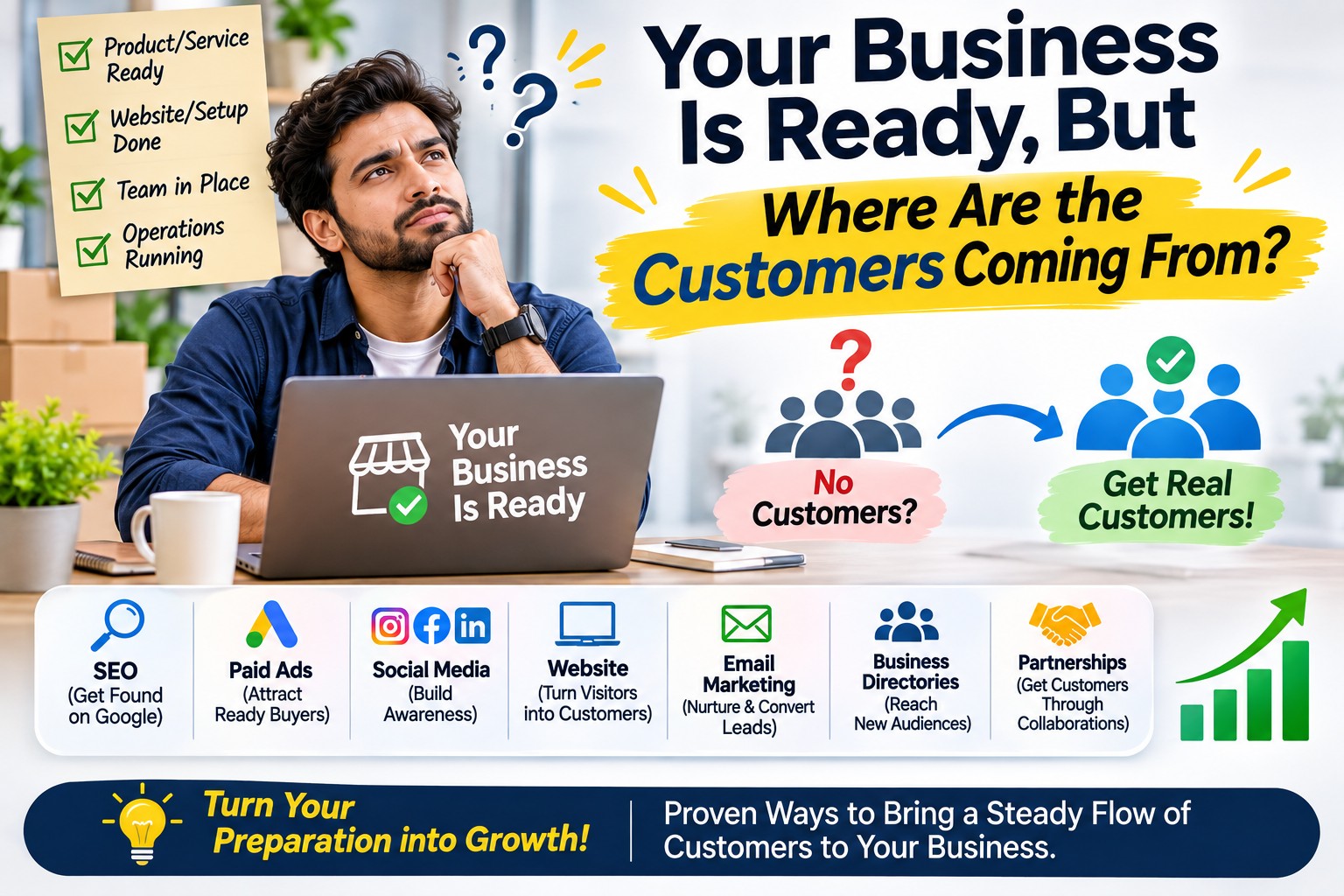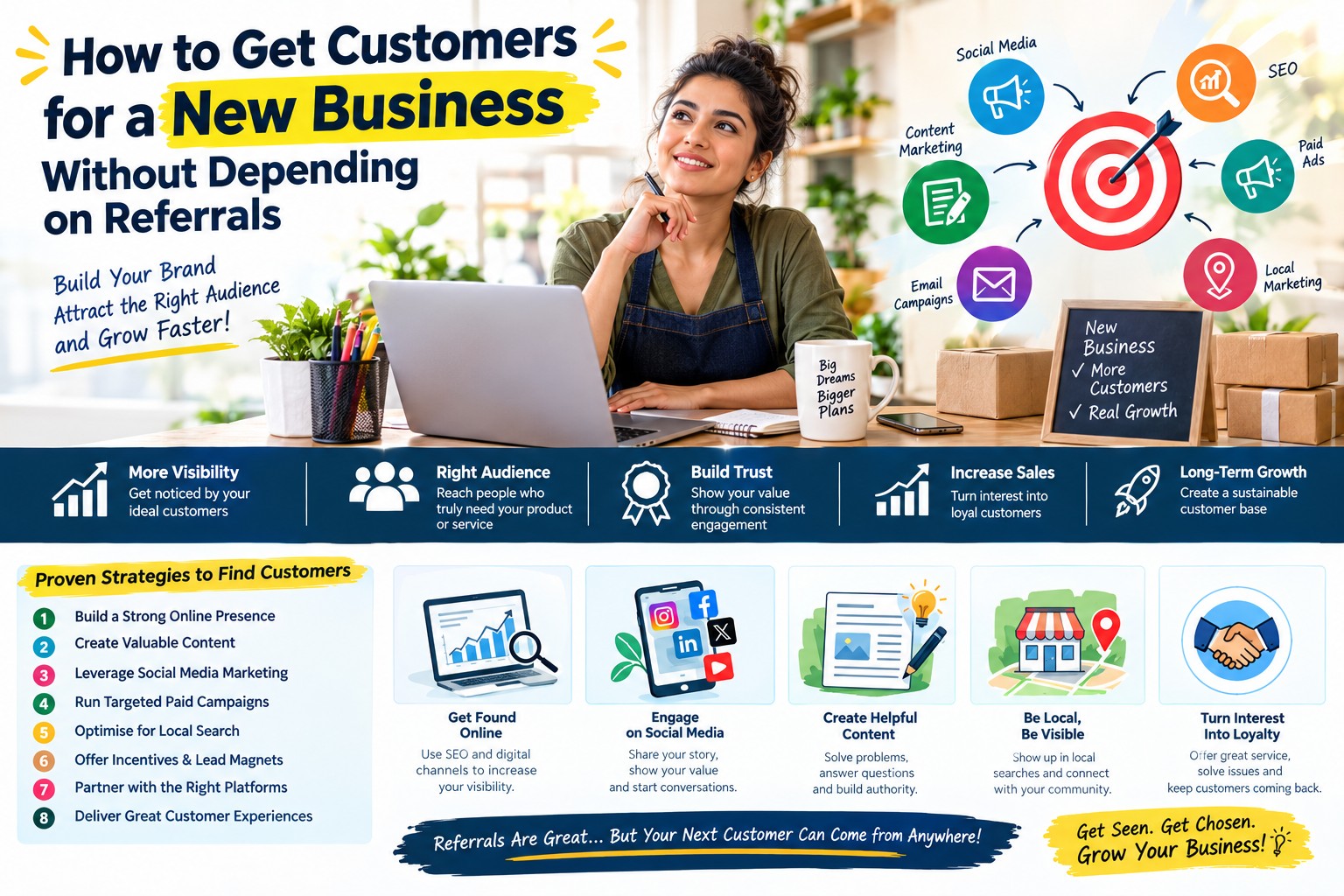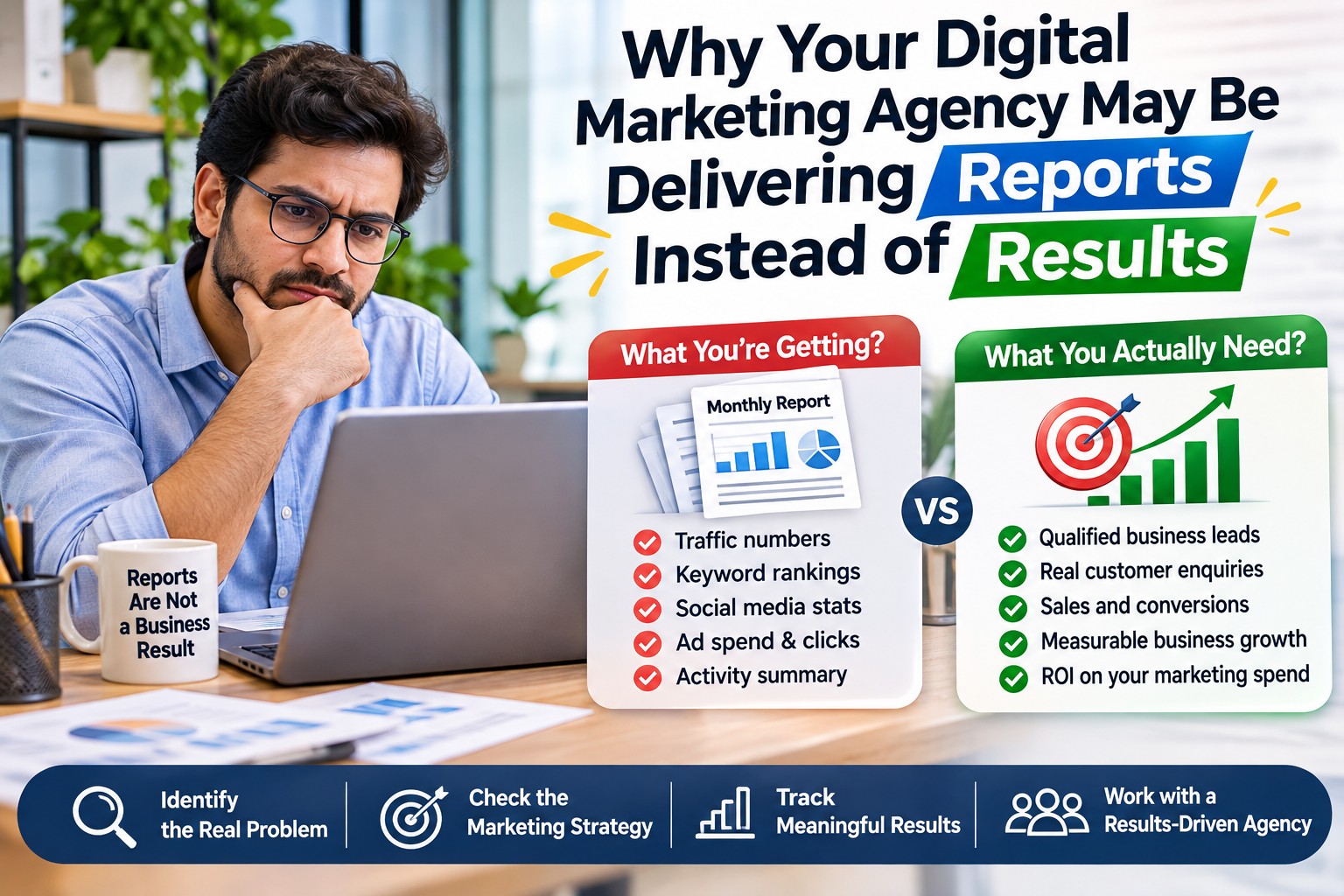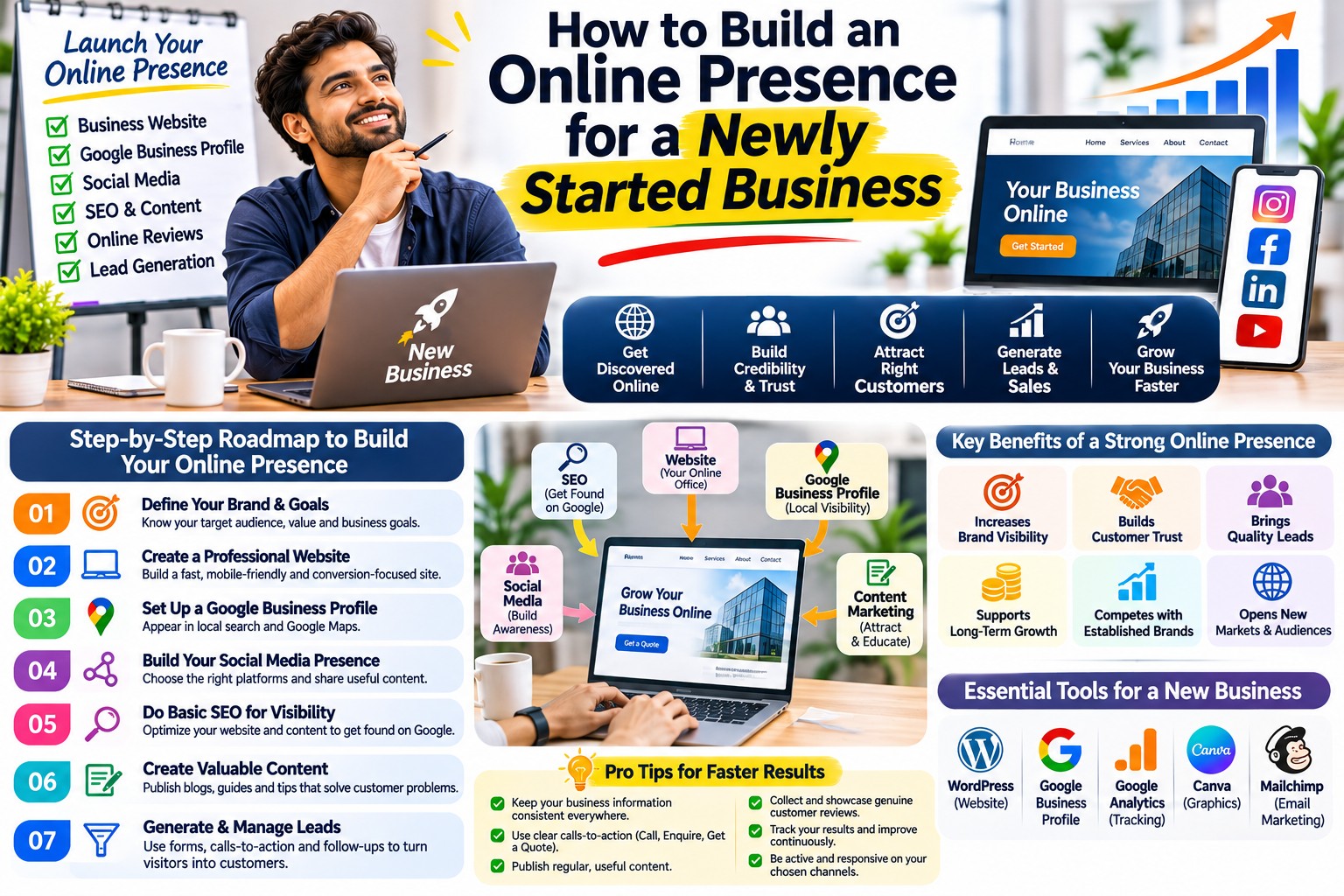
You have recently started a business. You have chosen a name, arranged your products or services, completed the necessary setup and are ready to introduce your company to customers.
But there is a problem.
When someone searches for your business on Google, they may find nothing. Your company does not appear in relevant search results. You may have a social media account, but it contains only a few posts. Your website, if you have one, does not clearly explain what you offer.
To people who have never met you, your business is almost invisible.
This is where building an online presence becomes important.
Think about how people choose businesses today.
Before contacting a company, many customers search for its name, visit its website, check reviews, compare services and look for signs that the business is genuine.
Even when someone hears about your company through a friend, advertisement or salesperson, they may still search online before making a decision.
If they cannot find useful information, they may hesitate to contact you.
A strong online presence helps potential customers discover your business, understand what you offer and decide whether they want to work with you.
But building that presence does not mean creating accounts on every social media platform or spending money on advertisements immediately.
For a newly started business, the first priority is to create an accurate, trustworthy and useful digital identity.
You need a consistent business name, clear service information, a suitable website or online profile, relevant search visibility and a simple way for customers to contact you.
Once these foundations are ready, you can gradually improve your visibility and begin measuring how people interact with your business online.
This guide explains the entire process in practical steps, including what to do first, which platforms to choose, what mistakes to avoid, how much to budget and how to build an online presence that can support your business as it grows.
1. What Does an Online Presence Actually Mean for a New Business?
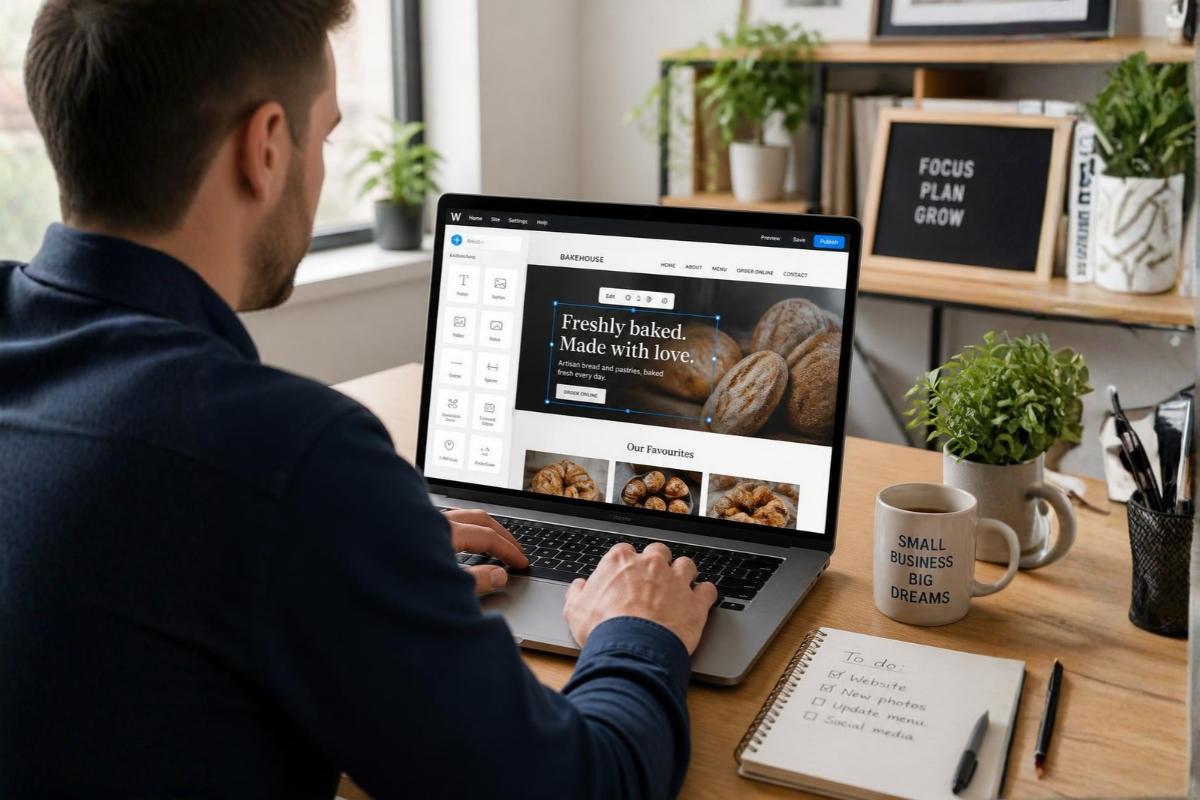
An online presence is the information, content and digital experiences through which people can discover and interact with your business on the internet.
It includes more than your website.
For example, a potential customer might encounter your business through:
-
Your official website.
-
Google Search.
-
Google Maps, if your business is eligible.
-
Social media profiles.
-
Online business directories.
-
Product listings.
-
Blog articles.
-
Videos.
-
Customer reviews.
-
Professional networking platforms.
-
Relevant industry websites.
Together, these create your business's digital identity.
Online presence is not the same as online popularity
A company does not need thousands of followers to have a useful online presence.
Imagine two newly established consulting businesses.
The first has 10,000 social media followers but no proper website, unclear service descriptions and outdated contact information.
The second has only 200 followers but a professional website, clear services, accurate business details and useful information for potential clients.
For someone who needs consulting services, the second business may be easier to evaluate.
The important question is not simply how many people see your business.
It is whether the right people can find reliable information when they need it.
Four foundations of a useful online presence
Discoverability: Can potential customers find your business online?
Clarity: Can they understand what you offer?
Credibility: Can they find enough genuine information to assess your business?
Accessibility: Can they easily contact you or take the next step?
Your digital presence should support all four.
2. Why a Newly Started Business Needs an Online Presence
A new business usually has limited brand recognition.
Potential customers may not know the company name, its services or the people behind it.
An online presence helps reduce that information gap.
Customers can discover your business outside your personal network
Without online visibility, your business may depend heavily on personal contacts, referrals or direct sales efforts.
A relevant website or business listing gives people another way to discover your services.
For example, a business owner searching for a website development company may find providers they have never heard of before.
A new agency can become one of the options they evaluate if it has relevant visibility and useful information.
Customers can research your business before contacting you
Many buyers want answers before making an enquiry.
They may want to know:
-
What products or services you offer.
-
Whether you serve their location.
-
What experience your team has.
-
How your service works.
-
Whether you have examples of previous work.
-
How to request a quotation.
-
Whether your business appears genuine.
A useful online presence makes this information accessible.
Your business remains discoverable outside working hours
Your website can provide information even when your office is closed.
Customers can read about services, review product details or submit enquiries at a convenient time.
This does not mean you must offer 24-hour support. It means basic information remains available.
You can reach customers beyond your immediate location
Depending on your services, online visibility may help you reach customers in other neighbourhoods, cities or markets.
For example, a B2B service company may work with customers across India, while a local repair business may only serve a defined area.
Your digital presence should reflect your actual service capabilities.
You can learn what customers are interested in
Website analytics, search data and enquiry records can provide information about which pages people visit, what questions they ask and how they discover your business.
This can help you improve your website and marketing decisions.
3. Start by Defining Your Business Identity and Target Audience

Before registering domains or creating social media accounts, clarify how your business should present itself.
A consistent identity makes it easier for customers to recognise you across different platforms.
Finalise your business name
Use the name your business actually operates under.
Check whether the name is likely to be confused with an existing business.
Where relevant, investigate applicable trademark and naming requirements before investing heavily in branding.
Write a simple description of your business
A useful description should answer three questions:
-
What does your business provide?
-
Who does it serve?
-
What problem does it help solve?
For example:
"We provide website design and development services for small and growing businesses that need professional websites to showcase their services and receive customer enquiries."
This is more informative than saying:
"We are an innovative company delivering world-class digital solutions."
The second statement sounds impressive but does not explain the service clearly.
Identify your target customers
Your website and content should speak to the people most likely to need your services.
Consider their:
-
Industry.
-
Location.
-
Business size.
-
Common problems.
-
Purchasing needs.
-
Budget expectations.
-
Preferred communication channels.
For example, a manufacturing supplier and a local beauty salon will need very different online presence strategies.
Prepare your core business information
Create a single reference document containing your approved business name, description, website domain, contact email, phone number, relevant address or service area, operating hours and official social profile links.
Use this document whenever you create or update an online listing.
4. Choose a Professional Domain Name

Your domain name is the address people use to visit your website.
For example, SEOspade uses seospade.com.
A suitable domain can help customers remember and recognise your business.
How to choose a domain
Prefer a name that is:
-
Easy to spell.
-
Easy to remember.
-
Relevant to your business identity.
-
Not unnecessarily long.
-
Free from confusing combinations of numbers and hyphens.
-
Suitable for your long-term plans.
Should you choose .com or .in?
Both can be appropriate.
A .com domain may suit businesses serving multiple markets, while .in can be appropriate for businesses with an India-focused identity.
The extension alone does not guarantee better Google rankings.
Choose based on your brand, audience and domain availability.
Avoid buying multiple domains without a reason
Some new businesses purchase several similar domains believing this will automatically improve SEO.
It usually creates additional cost and management work.
One well-maintained primary website is often a better starting point.
Keep ownership under your control
Register the domain using an account your business controls.
Keep access to the domain registrar and renewal information.
If a developer or agency helps purchase the domain, ensure ownership and administrative access remain with your business.
5. Create a Professional Business Email Address

A professional email address can help establish a consistent business identity.
For example:
contact@yourbusiness.com
or
sales@yourbusiness.com
A domain-based email is not proof that a company is trustworthy, but it can make business communication more consistent.
Choose email addresses based on actual needs
A small business might start with one or two addresses.
Examples include:
-
hello@yourbusiness.com -
sales@yourbusiness.com -
support@yourbusiness.com
Avoid creating many inboxes if nobody is responsible for monitoring them.
Configure email properly
Use a reliable email provider and set up the necessary domain authentication records, including SPF, DKIM and DMARC as appropriate.
These measures help receiving mail systems evaluate messages sent from your domain and reduce some forms of email impersonation.
They do not guarantee that every email will reach the inbox.
Protect business accounts
Enable multifactor authentication where available.
Use strong, unique passwords and control access when employees join or leave.
6. Build a Website That Explains Your Business Clearly
For many businesses, the website is the central part of their online presence.
It is a place where customers can learn about your company without depending on a social media platform or third-party listing.
However, your website does not need to be unnecessarily complicated.
A new business should prioritise clarity, reliability and usefulness.
What should your homepage explain?
Your homepage should quickly answer:
-
What does the company do?
-
Who is it for?
-
What services or products are available?
-
Where does it operate?
-
Why should a visitor consider contacting it?
-
How can someone get started?
Example of a clear homepage introduction
"Professional Website Design and Development for Growing Businesses"
"We help small businesses, startups and established companies create websites that explain their services, support customer enquiries and are easy to manage."
A visitor can immediately understand the offering.
Essential website pages
| Page | What it should contain |
|---|---|
| Homepage | Clear introduction, main offerings and next steps |
| About Us | Genuine business background, team and experience |
| Service pages | Detailed explanations of individual services |
| Product pages | Specifications, applications and purchasing information |
| Contact Us | Accurate contact details and enquiry options |
| Privacy Policy | Information about relevant personal data practices |
| Blog or resources | Helpful information addressing customer questions |
| Portfolio or projects | Genuine examples, where available and permitted |
Not every business needs every page immediately.
For example, a small local service business may start with a simpler website, while a manufacturer with hundreds of products may require a more detailed catalogue.
Should you use WordPress or a custom website?
The right choice depends on your requirements.
A content-focused business website may work well with a suitable content management system such as WordPress.
A business with complex integrations, unusual workflows or specialised functionality may require custom development.
Do not choose a technology only because it is popular.
Consider ease of management, security, maintenance, performance, scalability and total cost.
Make your website mobile-friendly
Check the website on actual mobile devices.
Ensure that menus, buttons, text, forms and contact information are easy to use.
Avoid designs that look attractive on desktop but become difficult to navigate on smaller screens.
Make contact options easy to find
A potential customer should not need to search through several pages to find your phone number or enquiry form.
Use clear actions such as:
"Request a Quote"
"Book a Consultation"
"Enquire About This Product"
"Schedule a Site Visit"
Choose wording that reflects what your business actually offers.
7. Set Up Google Search Console and Website Analytics
Once your website is ready, you need a way to understand whether it is working properly and whether people are discovering it.
Two useful Google tools are Google Search Console and Google Analytics 4.
What Google Search Console helps you understand
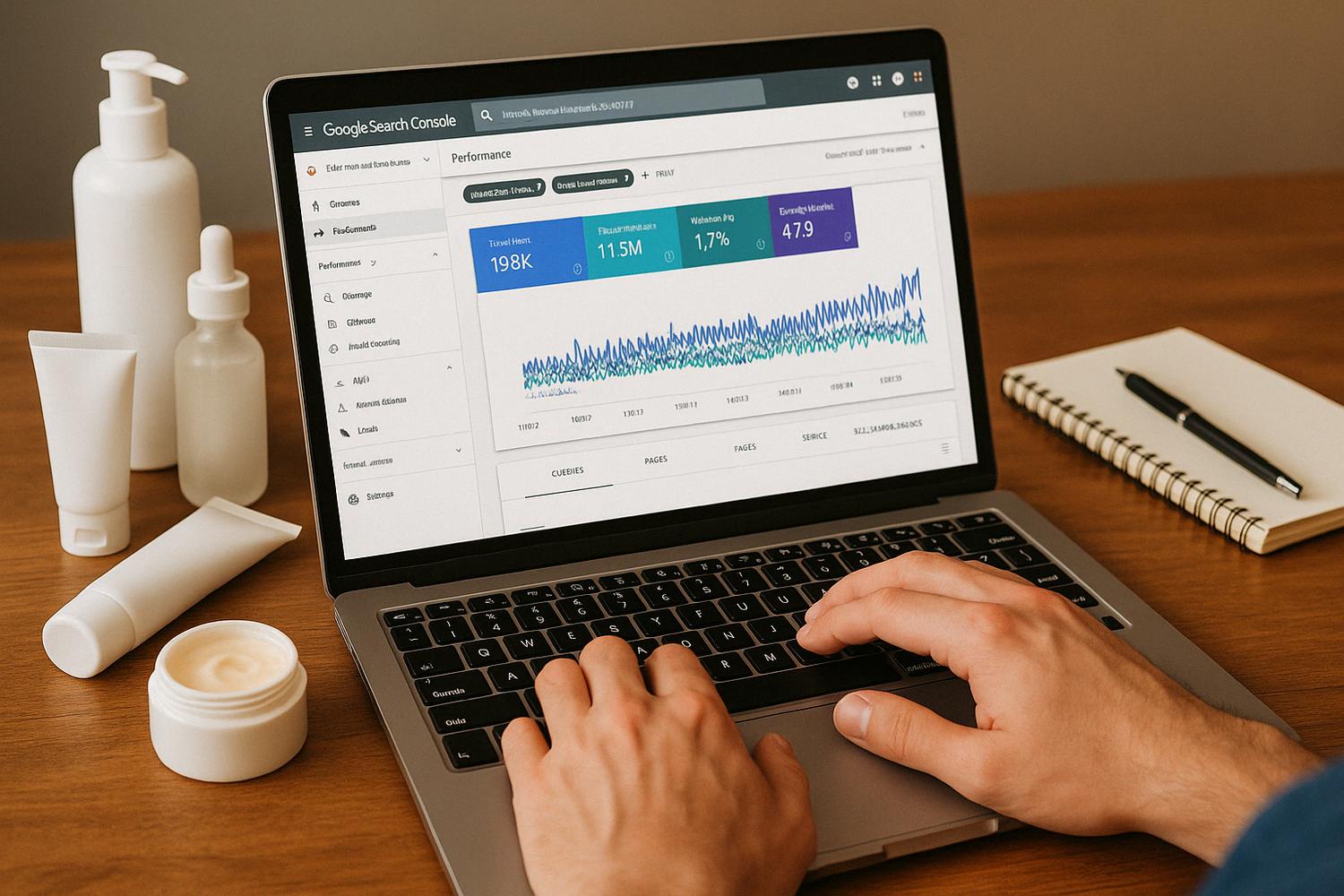
Search Console provides information about your website's performance in Google Search.
You can use it to review:
-
Search queries.
-
Impressions.
-
Clicks.
-
Average search positions.
-
Indexing status.
-
Certain technical and usability signals.
-
Sitemap processing.
What Google Analytics 4 helps you understand
Google Analytics 4 can help measure website activity and configured events.
For example, you may want to understand:
-
Which pages visitors view.
-
Which traffic channels bring users.
-
Which pages receive enquiries.
-
Which devices visitors use.
-
Whether important actions are completed.
Analytics data depends on correct implementation and may be affected by consent choices, privacy settings and other measurement limitations.
Track meaningful actions
A business website should not measure only page views.
Depending on your business, important actions might include:
-
Completed enquiry forms.
-
Consultation bookings.
-
Product quotation requests.
-
Purchases.
-
Relevant phone call outcomes.
A button click is not necessarily a completed enquiry, so define conversion events carefully.
Avoid collecting unnecessary personal information
Use suitable privacy disclosures and consent mechanisms where required.
Configure analytics in line with applicable laws and your actual data practices.
8. Make Sure Search Engines Can Discover Your Website
A newly launched website may not immediately appear in Google Search.
Search engines need to discover and process its pages.
You can help by maintaining a technically accessible website.
Check important pages
Make sure your main pages:
-
Return the correct HTTP status.
-
Are not accidentally blocked from crawling.
-
Are not unintentionally marked
noindex. -
Have useful internal links.
-
Use appropriate canonical URLs.
-
Contain meaningful content.
-
Work properly on mobile devices.
Create an XML sitemap
An XML sitemap can help search engines discover relevant URLs.
Submit it through Google Search Console.
A sitemap is a discovery aid, not a guarantee that every page will be indexed.
Avoid publishing unnecessary duplicate pages
Do not create separate pages for every small variation of a keyword when the content and user intent are essentially the same.
For example, a website development company may not need separate pages for:
"Website design for small business"
and
"Small business website design"
if both pages would provide the same information.
A single useful page may serve both searches.
Use clear page titles and headings
Each important page should have a descriptive title and a clear main heading.
Write for people first.
Do not repeat the same keyword unnaturally throughout the page.
9. Build a Google Business Profile If Your Business Qualifies
A Google Business Profile can help eligible businesses manage how they appear in Google Search and Maps.
It is especially relevant for businesses that interact with customers in person.
However, not every business is eligible.
An online-only business without in-person customer contact generally does not qualify.
Complete your profile accurately
If eligible, provide:
-
Your real business name.
-
The most appropriate primary category.
-
Accurate business contact details.
-
Relevant address or service area.
-
Actual business hours.
-
Official website.
-
Useful business description.
-
Genuine photographs.
Choose the right business category
Your category should describe what the business actually does.
Do not select unrelated categories simply because they appear popular.
Use genuine business photographs
Depending on your business, useful images may show:
-
Your premises.
-
Products.
-
Equipment.
-
Team.
-
Completed work.
-
Customer-facing areas.
Maintain your listing
Keep hours and contact details updated.
Respond professionally to relevant reviews.
Avoid creating duplicate or misleading business profiles.
10. Choose the Right Social Media Platforms
A new business does not need to maintain accounts on every social network.
The better approach is to choose platforms that fit your audience, services and available resources.
LinkedIn may be useful for B2B services, consulting, recruitment, professional networking and businesses targeting company decision-makers.
Instagram may be suitable for visually oriented businesses, including fashion, food, interiors, lifestyle products and businesses that can demonstrate their work through images or short videos.
Facebook may help certain businesses reach local communities, customer groups and audiences that actively use the platform.
YouTube
YouTube can be useful for demonstrations, tutorials, product explanations and educational videos.
WhatsApp Business
For businesses where customers commonly communicate through WhatsApp, an appropriate business account may help organise conversations, provide business information and respond to enquiries.
Use messaging responsibly and respect customer consent.
How to choose
Ask:
-
Where are our customers active?
-
What information do they want?
-
Can we create useful content for this platform?
-
Can we respond to messages consistently?
-
How will the platform support our business objectives?
Start with one or two platforms you can manage well.
11. Make Your Branding Consistent Across Online Platforms
A customer might discover your business on Google, visit your website and later check your LinkedIn or Instagram profile.
If every platform uses different names, logos, descriptions or contact details, the customer may become confused.
Keep the important elements consistent
Use the same approved:
-
Business name.
-
Logo.
-
Brand colours.
-
Contact information.
-
Website address.
-
Core service description.
-
Professional tone.
Consistency does not mean identical content
Your LinkedIn content may be more professional and industry-focused.
Your Instagram content may be more visual.
Your website may contain detailed explanations.
These formats can differ while still representing the same business.
Create a basic brand guide
Even a one-page document can help.
Include your logo usage, colours, fonts, business description and preferred writing style.
This becomes useful when designers, writers or agencies begin working on your brand.
12. Create Content That Helps Customers Understand Your Business
Content is one of the ways a new business can demonstrate knowledge and answer customer questions.
But publishing articles or social media posts without a clear purpose can waste resources.
Start with questions your potential customers actually ask.
Useful content categories
Service explanations
Explain what your business provides and who needs it.
Customer questions
Answer questions about costs, requirements, timelines and how services work.
Buying guidance
Help people compare options and understand what to check before making a decision.
Product education
Explain specifications, applications, materials or usage.
Business credibility
Share genuine team experience, processes, demonstrations or completed projects.
Example: A new website development company
Possible content topics include:
-
What pages should a small business website have?
-
What information should you prepare before hiring a website developer?
-
How much does a business website cost?
-
How do you choose between a template and a custom website?
-
What should you check before launching a website?
Each topic addresses a different customer question.
Avoid publishing content simply to fill the website
A smaller number of detailed, accurate and genuinely useful articles may be more valuable than many repetitive posts.
Review whether your website already covers the topic before creating another page.
Keep important information current
Update articles when services, products, prices, requirements or other relevant details change.
For legal, financial or regulatory subjects, use authoritative sources and appropriate professional review.
13. Improve Your Website's Basic SEO
SEO helps search engines understand your website and may improve its visibility for relevant searches.
For a newly started business, begin with the foundations rather than attempting to rank for every competitive keyword immediately.
Use relevant search terms naturally
Think about how customers describe your services.
A customer may search for "office interior design company" rather than the technical terminology used by the provider.
Your page should use language that matches real customer needs.
Give each important page a clear purpose
For example:
-
Homepage: Introduce the business.
-
Service page: Explain one important service.
-
Product page: Describe a product.
-
Location page: Explain a genuine service offering in a relevant location.
-
Blog article: Answer a specific informational question.
Create helpful internal links
Link related pages when it helps visitors.
For example, an article about preparing a website brief might link to a website development service page.
Avoid adding irrelevant links merely to increase link counts.
Use descriptive images
Images should support the content.
Use appropriate filenames and meaningful alt text where the image conveys information.
Compress images and choose suitable dimensions to support page performance.
Check website performance
Review important pages for slow loading, layout movement and interaction problems.
Google's Core Web Vitals can help identify certain user experience issues, but passing these metrics alone does not guarantee strong search rankings.
Avoid SEO shortcuts
Do not purchase low-quality backlinks, create doorway pages or stuff keywords into content.
Focus on accurate information, technical quality and useful experiences.
14. Create Business Listings Only Where They Are Relevant
Online directories can provide additional ways for customers to discover your company.
However, creating hundreds of listings is not necessary.
Choose platforms that are relevant to your industry and customer audience.
What to check before creating a listing
-
Is the directory relevant to your business?
-
Does it have genuine users?
-
Can you provide accurate business information?
-
Does it help potential customers evaluate your offering?
-
Are any listing fees justified?
-
Can you maintain the listing?
Keep details accurate
Use consistent contact information and descriptions.
If your address or phone number changes, update important listings.
Avoid misleading listings
Do not create fake locations, duplicate business identities or inaccurate categories.
The purpose of a listing should be to help real customers, not manipulate search engines.
15. Build Online Credibility When Your Business Is New
Customers may hesitate to choose a company they have never heard of.
A professional website helps, but design alone does not establish trust.
Your online presence should provide genuine information that allows people to assess your business.
Explain who runs the company
Provide relevant details about founders, leadership or team experience.
Be accurate about previous employment and project involvement.
Explain how you work
Customers often want to know what happens after making an enquiry.
Describe the consultation, quotation, delivery and support process where relevant.
Publish genuine examples
You may be able to show:
-
Product photographs.
-
Sample work.
-
Demonstrations.
-
Team qualifications.
-
Project descriptions.
-
Relevant certifications.
If you are newly established and have no company projects yet, do not invent a portfolio.
Make business policies understandable
Depending on your business, explain relevant payment, delivery, cancellation, refund or service terms.
Clear information can reduce uncertainty.
Protect customer information
Use appropriate security practices and avoid requesting unnecessary sensitive information through forms.
Trust also depends on how responsibly your business handles data.
16. Encourage Genuine Customer Reviews and Feedback
Customer feedback can help future buyers understand what to expect.
However, a new business may not have many reviews immediately.
That is normal.
Focus on providing a good experience and inviting honest feedback after real transactions.
Ask at the right time
For example, after successfully completing a service, you may ask a customer to share their experience.
Keep the request neutral.
Do not ask only for positive reviews or offer rewards in exchange for favourable ratings.
Respond professionally
Thank customers for useful feedback.
If someone raises a concern, acknowledge it and explain appropriate next steps without exposing private information.
Use testimonials with permission
If you want to display a customer's name, photograph or statement on your website, obtain suitable permission.
Do not alter a testimonial in a way that changes its meaning.
17. Make It Easy for Visitors to Contact Your Business
A business can have an attractive website and active social profiles but still lose potential enquiries because the contact process is confusing.
Review how a first-time visitor would contact you.
Use clear contact options
Depending on your business, provide:
-
A contact form.
-
Business email.
-
Phone number.
-
Consultation booking.
-
Quotation request.
-
Relevant messaging option.
Keep forms simple
Do not ask for excessive information at the first stage.
For many service businesses, an initial enquiry may only need:
-
Name.
-
Contact information.
-
Service required.
-
Short description of the requirement.
More detailed information can be collected later.
Confirm receipt of enquiries
Where practical, show a confirmation message or send an acknowledgement.
Explain when the customer can reasonably expect a response.
Check forms regularly
Test your forms after website updates.
A broken form can prevent customers from contacting you without anyone noticing.
18. Understand the Difference Between Online Presence and Lead Generation
These two concepts are related, but they are not identical.
Online presence means people can find and understand your business.
Lead generation means attracting and capturing interest from potential customers.
A company can have a good online presence without generating many leads.
For example, its website may be informative and professional, but few people may be searching for its services.
Another business may generate leads through advertising even though its broader online reputation is still developing.
How the two work together
A useful online presence can support lead generation by:
-
Helping customers discover your business.
-
Explaining your services.
-
Answering questions.
-
Building credibility.
-
Making enquiries easier.
However, actual lead generation may also require marketing campaigns, customer research, suitable offers and sales follow-up.
For a newly started business, establish a reliable digital foundation before expanding acquisition spending unnecessarily.
19. How Much Does It Cost to Build an Online Presence?
The cost depends on your business, website requirements, content needs and whether you manage the work yourself or hire professionals.
There is no single budget that fits every company.
Common expense categories
| Expense | What affects the cost |
|---|---|
| Domain | Extension, registrar and renewal terms |
| Hosting | Website size, traffic and technical requirements |
| Website development | Design complexity, pages, features and integrations |
| Business email | Provider, users and storage |
| Branding | Logo, design system and creative requirements |
| Content | Number and complexity of pages and articles |
| SEO | Competition, website condition and scope |
| Social media | Platforms, creative production and management |
| Maintenance | Security, updates, backups and support |
| Advertising | Market competition, targeting and campaign goals |
A practical approach for limited budgets
Prioritise essential assets first.
A new business may begin with:
-
A suitable domain and professional email.
-
A clear, functional website.
-
Accurate business information.
-
Relevant social or business profiles.
-
Basic analytics and SEO setup.
-
A manageable content plan.
Add more advanced marketing activities when you understand your priorities and can support the cost.
Consider ongoing expenses
Website hosting, domain renewals, maintenance, software and content updates may continue after the initial launch.
Plan for these costs rather than treating the website as a one-time purchase.
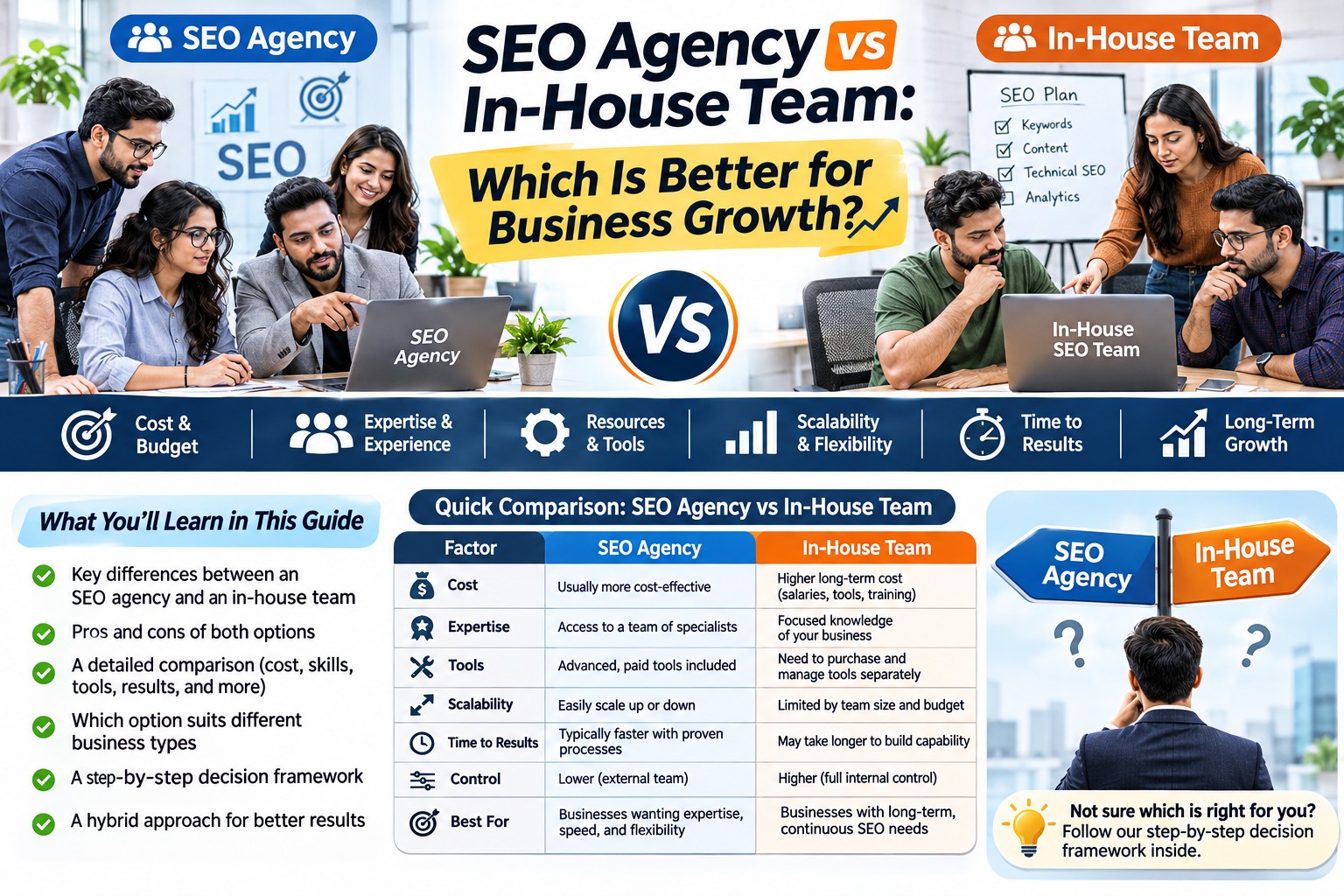
20. Should You Build Everything Yourself or Hire an Agency?
Many founders can handle some parts of their online presence independently.
For example, they may be comfortable preparing business descriptions, collecting photographs, updating social profiles or writing about their services.
Other tasks may require specialist knowledge.
Tasks you may be able to manage internally
-
Preparing business information.
-
Answering customer questions.
-
Collecting genuine photographs.
-
Updating simple content.
-
Responding to enquiries.
-
Monitoring reviews.
-
Sharing company updates.
Tasks that may benefit from professional help
-
Website architecture and development.
-
Technical SEO.
-
Advanced analytics configuration.
-
Brand design.
-
Complex integrations.
-
Security and performance optimisation.
-
Structured content planning.
Questions to ask before hiring an agency
-
What exactly will be delivered?
-
Who owns the domain and website?
-
Will we receive administrative access?
-
Which ongoing costs are separate?
-
How will changes and maintenance be handled?
-
What information do you need from our business?
-
How will completed work be reviewed?
-
Which outcomes can reasonably be measured?
Avoid choosing a provider only because it offers the lowest price or promises immediate rankings.
21. A Practical 90-Day Online Presence Plan for a New Business
You do not need to complete everything in one week.
A phased approach can help you build the foundations properly.
Days 1–15: Establish your identity
-
Finalise your business name and description.
-
Define your target audience.
-
Choose a domain.
-
Set up business email.
-
Prepare approved branding assets.
-
Collect accurate business information.
-
Decide which digital platforms are relevant.
Expected outcome: A consistent business identity and clear implementation requirements.
Days 16–30: Build your core website
-
Prepare website structure.
-
Write the homepage and essential service pages.
-
Create About and Contact pages.
-
Add genuine photographs and business details.
-
Test mobile usability.
-
Configure suitable security and backup measures.
-
Check contact forms.
Expected outcome: A functional website that explains the business clearly.
Days 31–45: Prepare search visibility
-
Set up Google Search Console.
-
Configure suitable analytics.
-
Review crawlability and indexing.
-
Prepare an XML sitemap.
-
Optimise important titles and headings.
-
Add useful internal links.
-
Check important technical issues.
Expected outcome: A website with basic search and measurement foundations.
Days 46–60: Establish relevant profiles
-
Create or complete suitable social media profiles.
-
Set up an eligible Google Business Profile where appropriate.
-
Add relevant business directory listings.
-
Keep names and contact information consistent.
-
Prepare initial platform-specific content.
Expected outcome: Accurate and consistent business information across selected platforms.
Days 61–75: Publish useful content
-
Identify common customer questions.
-
Prepare a small content calendar.
-
Publish helpful website resources.
-
Share relevant company updates.
-
Add genuine product or service demonstrations.
-
Review early search and engagement data.
Expected outcome: A growing collection of useful content that supports customer understanding.
Days 76–90: Review and improve
-
Check website performance.
-
Review search visibility.
-
Test forms and contact options.
-
Identify content gaps.
-
Correct inaccurate listings.
-
Review customer feedback.
-
Plan the next three months.
Expected outcome: A more reliable online presence and a prioritised improvement plan.
This timeline is a planning example. Complex websites, approvals and technical work may require more time. Building an online presence does not guarantee first-page rankings or a specific number of enquiries within ninety days.
22. How to Measure Whether Your Online Presence Is Improving
A newly started business should not judge its digital presence only by follower counts.
Use a combination of visibility, engagement, credibility and enquiry measures.
Website visibility
Review whether relevant pages are appearing in Google Search.
Search Console can help you track impressions and clicks.
Website usage
Use analytics to understand which pages visitors view and which channels bring them.
Business information accuracy
Check whether your official details are consistent across important platforms.
Content usefulness
Review whether visitors can find answers to common questions.
Customer feedback can help identify missing information.
Contact performance
Track whether enquiries are being submitted and received correctly.
Business outcomes
Where relevant, track qualified enquiries and customers, but do not confuse these with online presence metrics.
Example monthly dashboard
| Metric | What it helps you understand |
|---|---|
| Important pages indexed | Search discoverability |
| Organic search impressions | Visibility for search queries |
| Organic clicks | Search visits |
| Visits to key service pages | Interest in core offerings |
| Enquiry form completions | Website contact activity |
| Business profile interactions | Engagement with eligible local listings |
| Relevant social engagement | Audience response |
| Qualified enquiries | Commercial interest |
Interpret the numbers in context.
A new website may have limited data initially, so avoid drawing strong conclusions from very small samples.
23. Common Online Presence Mistakes New Businesses Should Avoid
Creating social accounts before defining the brand
Inconsistent names and messaging can confuse customers.
Prepare your business identity first.
Building a website without understanding customer needs
A website should answer real questions rather than simply display attractive graphics.
Copying competitor content
Copied or lightly rewritten content can misrepresent your business and provide little unique value.
Write about your actual services, experience and customer requirements.
Creating too many similar SEO pages
Multiple pages targeting nearly identical searches can create unnecessary duplication and maintenance problems.
Use a clear page structure based on distinct customer needs.
Ignoring mobile visitors
A website that is difficult to use on mobile can frustrate potential customers.
Publishing inaccurate business details
Incorrect phone numbers, addresses or operating hours can prevent customers from contacting you.
Buying fake reviews or followers
Artificial engagement does not create genuine customer trust and may violate platform rules.
Using stock images as evidence of actual work
Stock images may be appropriate for decoration, but do not present them as real project photographs or team members.
Ignoring website security
Outdated software, weak passwords and poor access controls can expose your business to avoidable risks.
Forgetting ongoing maintenance
Websites and profiles require updates as your business changes.
Measuring success only through traffic
Visibility matters, but your online presence should also be useful, accurate and credible.
Expecting immediate results
A new brand may need time to develop recognition, search visibility and customer trust.
Focus on consistent improvement rather than unrealistic promises.
24. Online Presence Checklist Before Announcing Your Business Launch
Use this checklist to review the essentials.
-
Business name and description are finalised.
-
Target customers are clearly identified.
-
Domain ownership is under business control.
-
Professional email is configured.
-
Website explains the main products or services.
-
Contact details are accurate.
-
Important website pages work on mobile.
-
Forms and contact buttons have been tested.
-
Website uses HTTPS.
-
Search Console is configured.
-
Relevant pages are available for indexing.
-
Analytics and appropriate privacy controls are configured.
-
Social profiles use consistent branding.
-
Eligible business listings are complete.
-
Genuine photographs and business information are available.
-
Important customer questions are answered.
-
Someone is responsible for enquiries.
-
Website backups and updates are planned.
-
Account access and ownership are documented.
- A monthly review process is established.
Conclusion: Make Your New Business Easy to Find, Understand and Trust
Starting a business is an important achievement, but customers cannot evaluate a company they know nothing about.
Building an online presence helps close that gap.
You do not need to be active on every social media platform, publish articles every day or invest in expensive advertising immediately.
Start by making your business information clear and consistent.
Create a useful website, establish the profiles that matter to your customers, prepare your website for search engines and publish content that answers genuine questions.
Then maintain those assets, review how people interact with them and improve the experience over time.
A useful online presence should make it easier for customers to understand what you offer, assess your credibility and contact you when they have a relevant requirement.
The objective is not simply to make your business visible online. It is to make your business easier for the right people to discover and evaluate.
Need Help Establishing Your Business Online?
At SEOspade, we work with businesses on website design and development, search engine optimisation, content, social media marketing and related digital services.
If you have recently started a business and need help creating a professional digital presence, begin by identifying the information your customers need and the platforms most relevant to your market.
Visit SEOspade to explore our services and discuss the requirements of your new business.